
UPDATE 2025.12.10
Change Permissions for Linked Healthcare Apps
1: Changing Apple Health Permissions
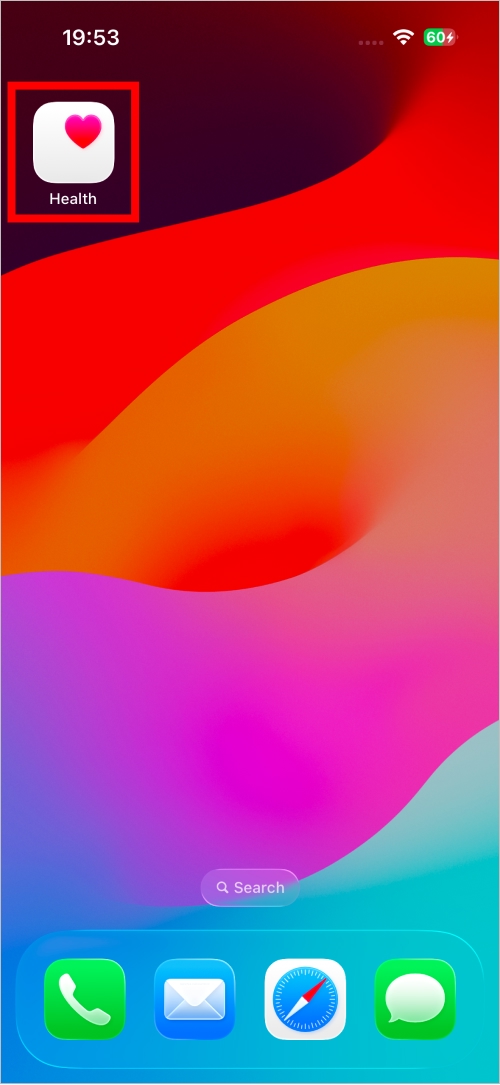
1. Launch the Health app.
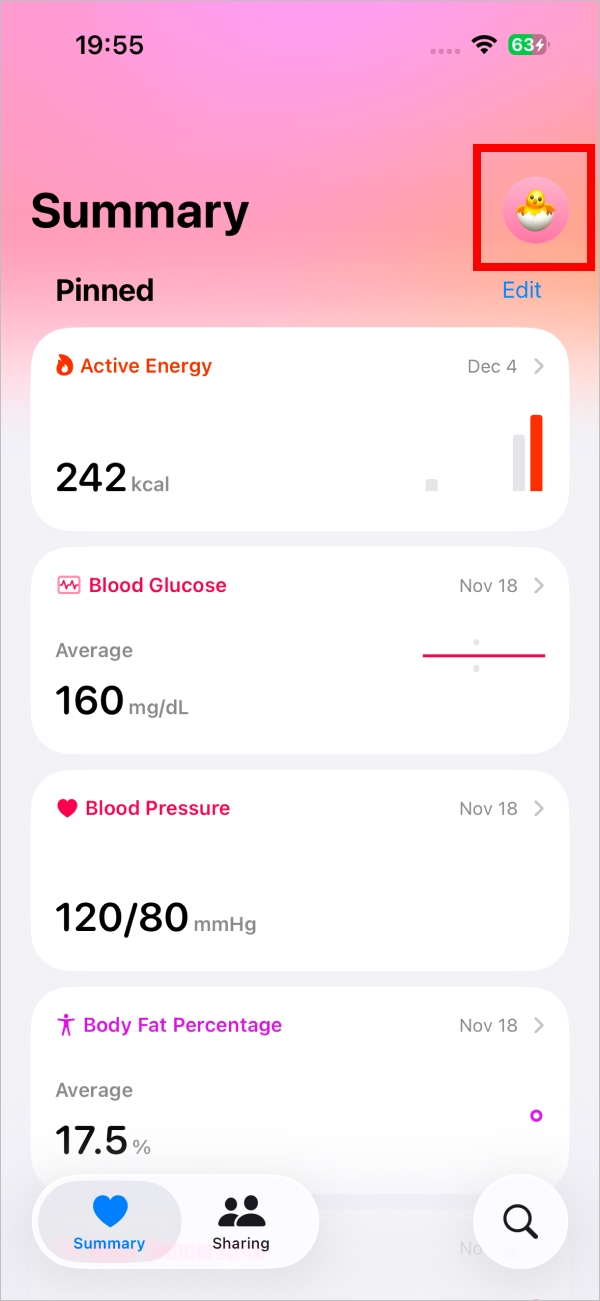
2. In the Health app, tap your user icon.
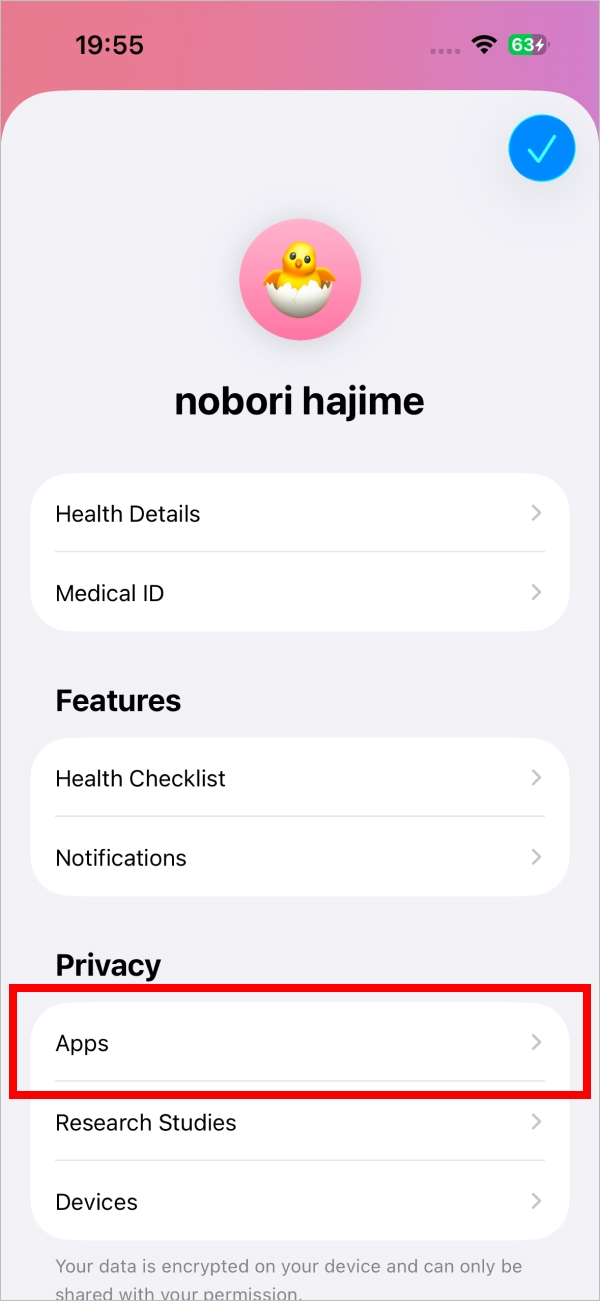
3. Under "Privacy", tap "Apps".
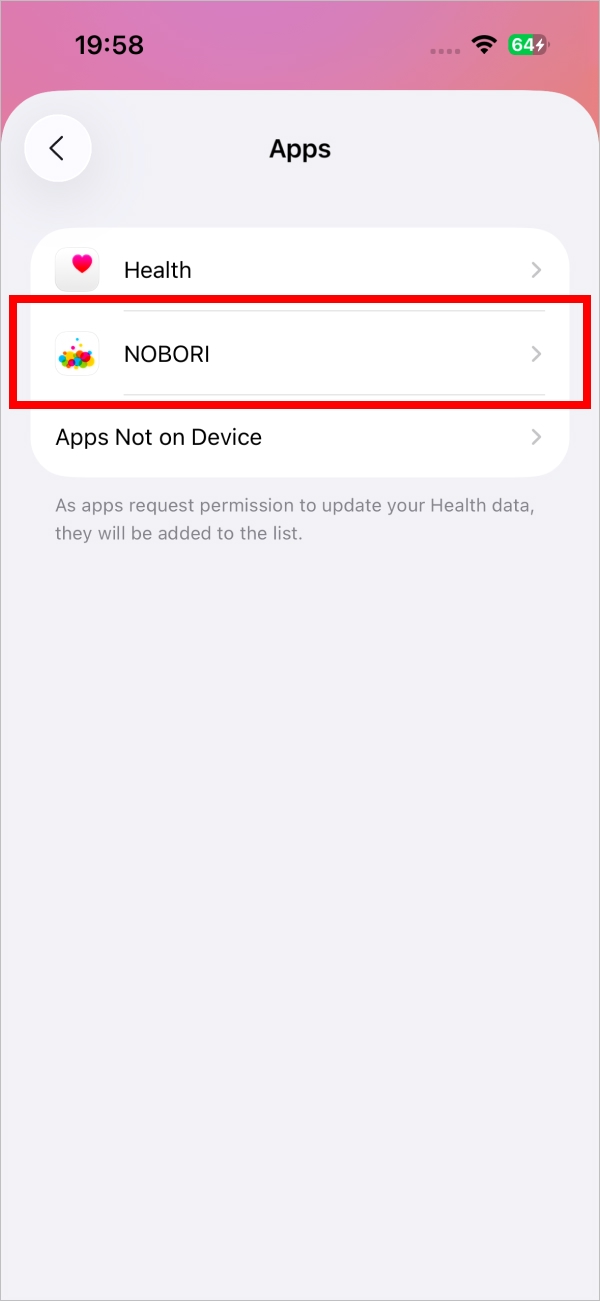
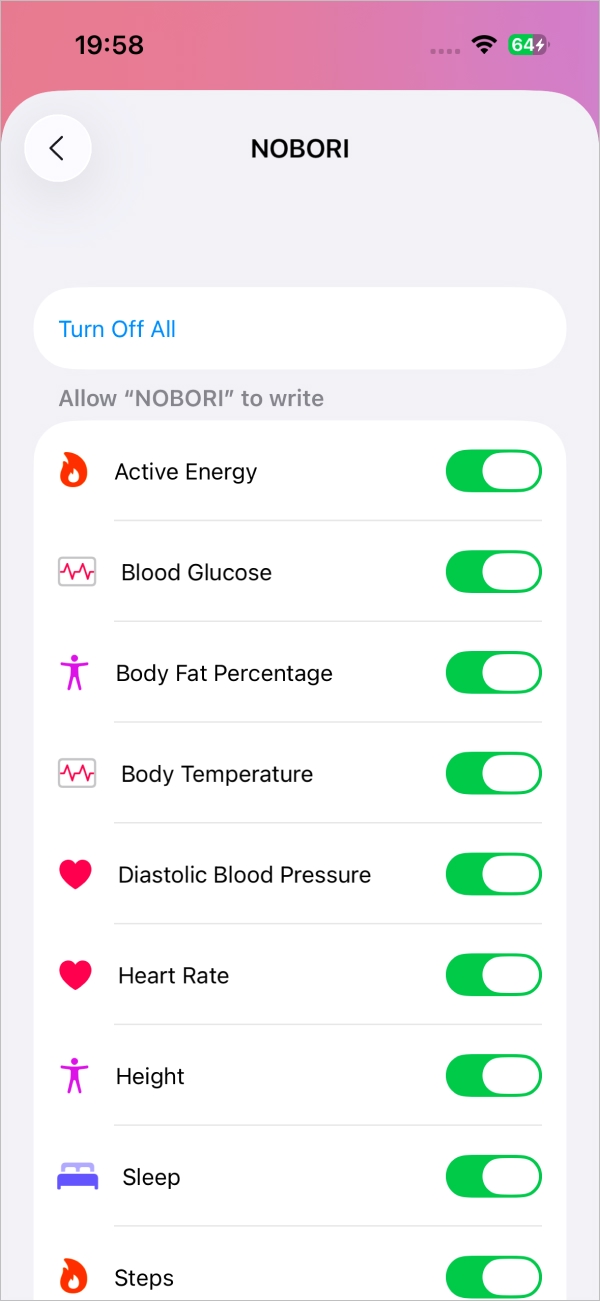
4. Tap "NOBORI".
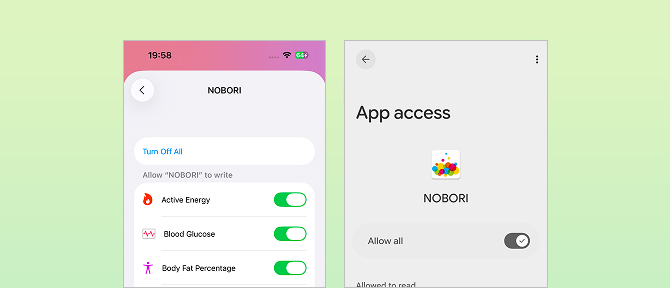
For iOS, there are the following two types of permissions. You can select them for each category.
- Allow "NOBORI" to Write Data: Saves data entered in NOBORI to Apple Health.
- Allow "NOBORI" to Read Data: Saves data from Apple Health to NOBORI.
2: Changing Health Connect Permissions
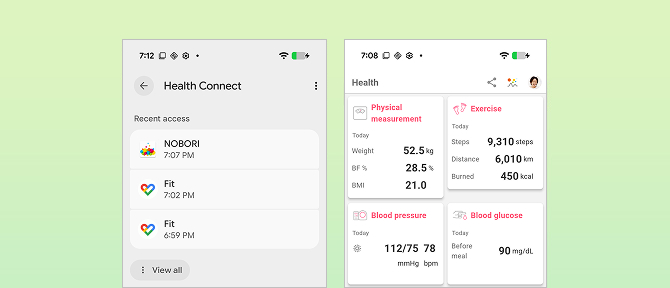
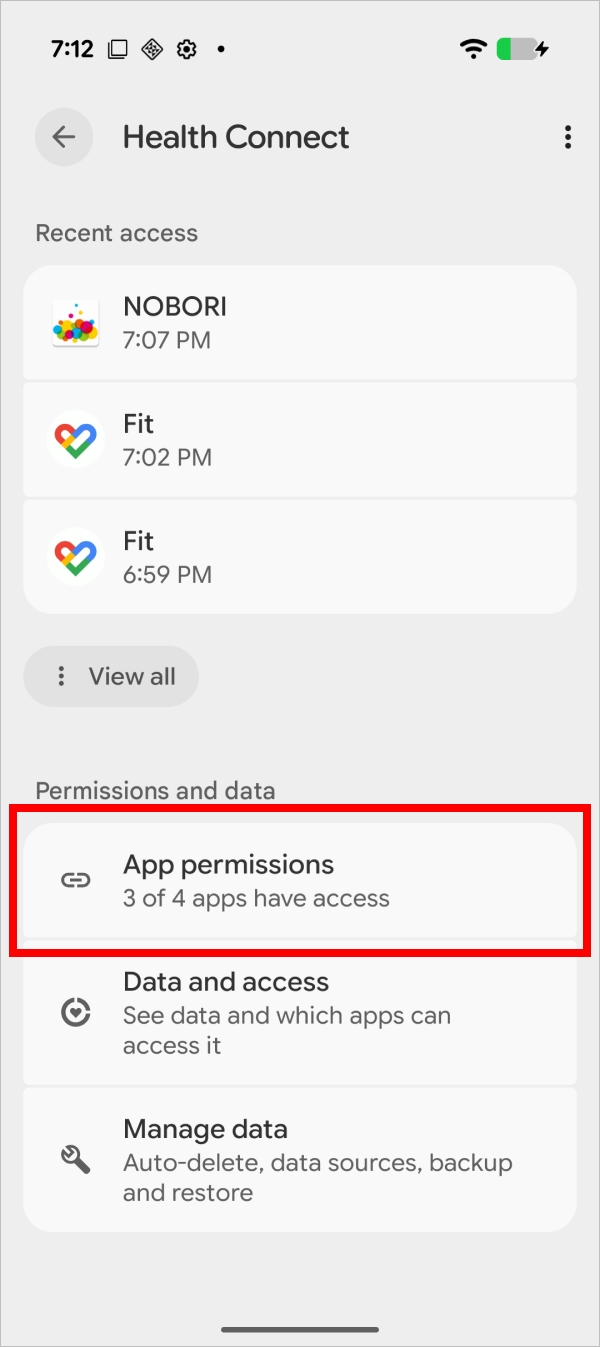
1. From the "Settings" app, open "Health Connect".
The Health Connect app is not displayed on the home screen. Access it from the Settings app.
For the details, please see "How to open the Health Connect app".
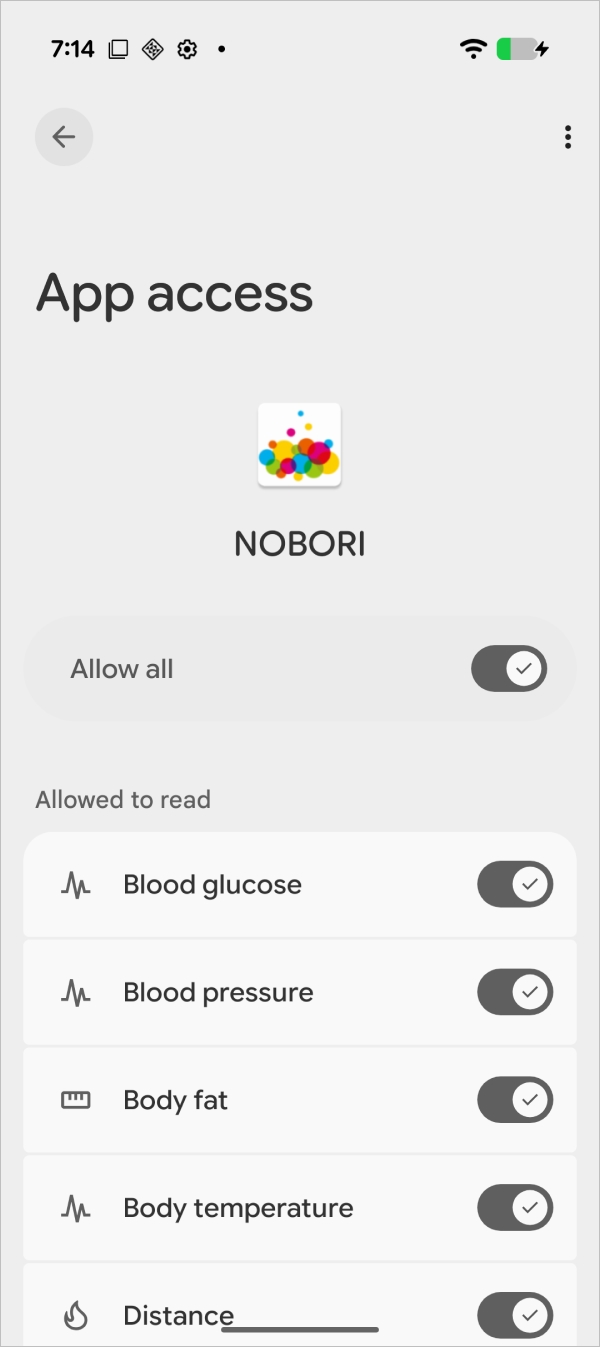
2. Tap "App permissions" > "NOBORI".
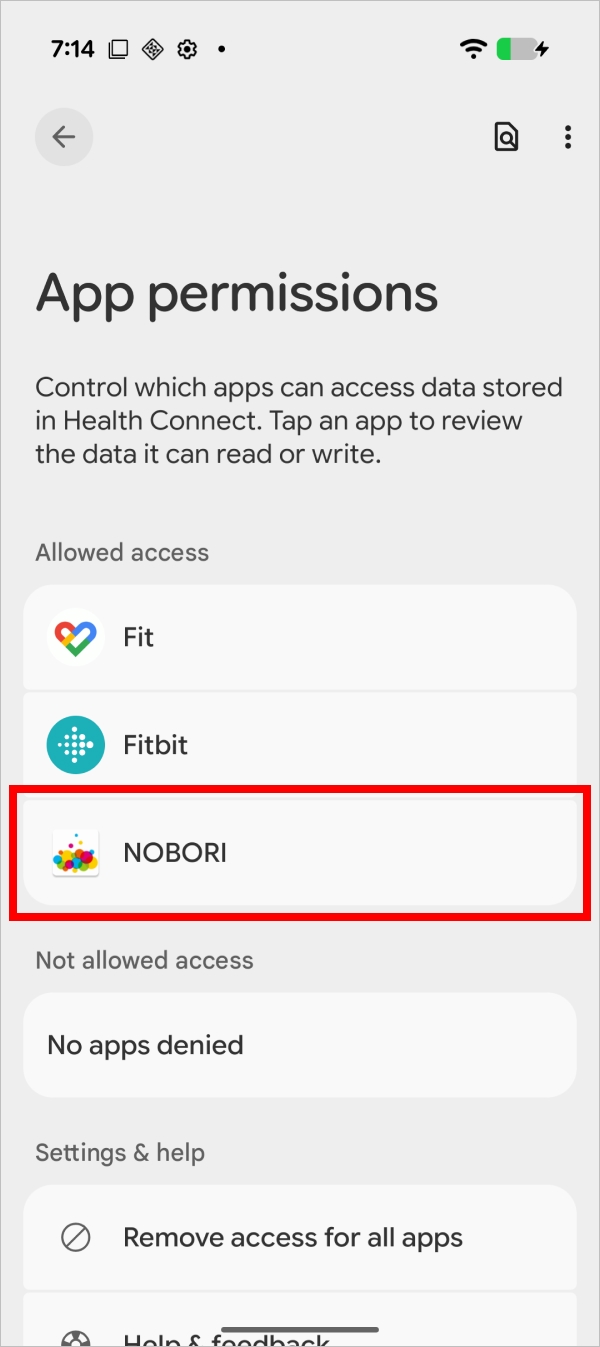
For Android, you can select read permissions for each data category to allow NOBORI to access data from Health Connect.