
UPDATE 2026.09.08
How to Register/Add a Medical Institution (Online)
By verifying your identity using your My Number Card in the Myna App (formerly the Mynaportal App), you can register medical institutions that support online applications.
1: How to Register/Add a Medical Institution (Online)
1. Selecting a Medical Institution
1-1. Tap [Setting] at the bottom right of the screen.
1-2. Tap [Add Medical Institution].
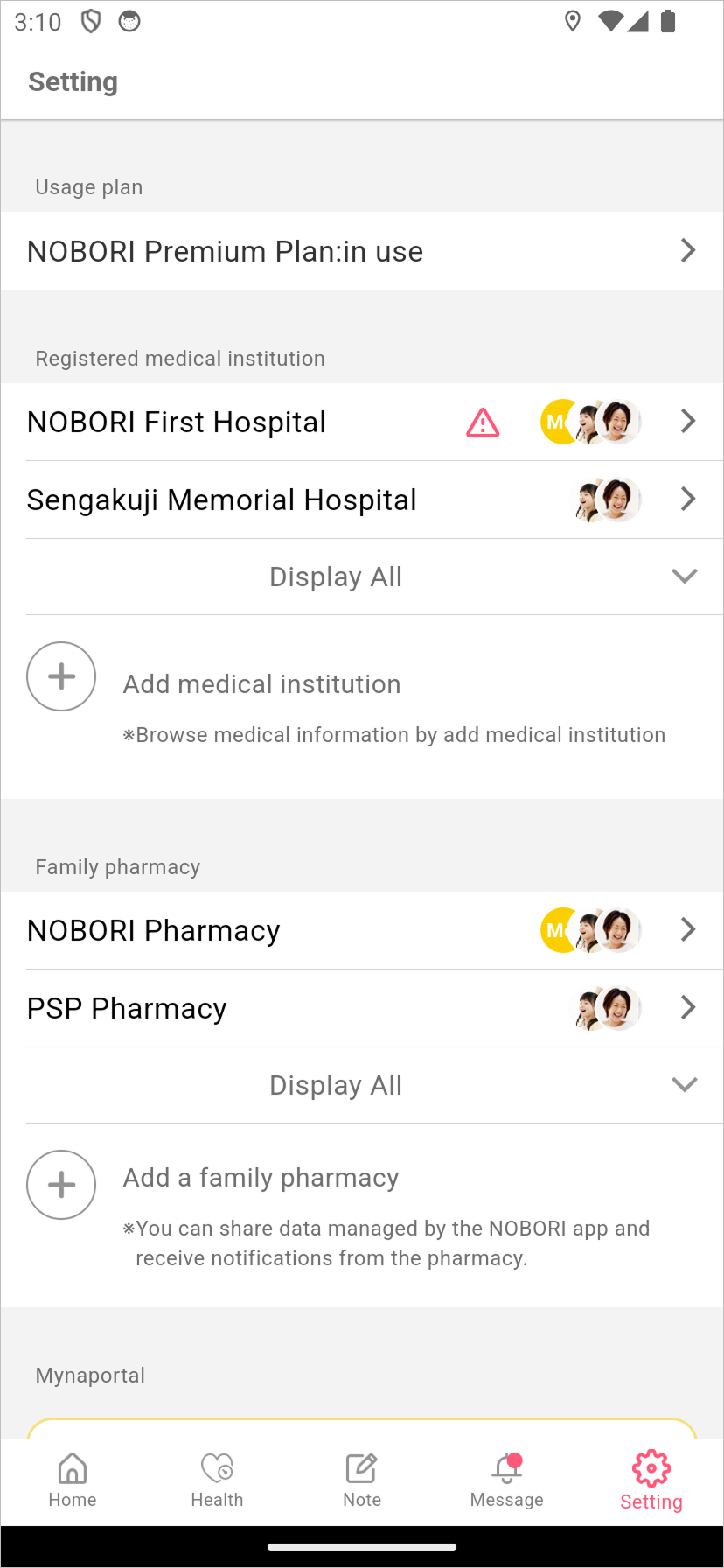
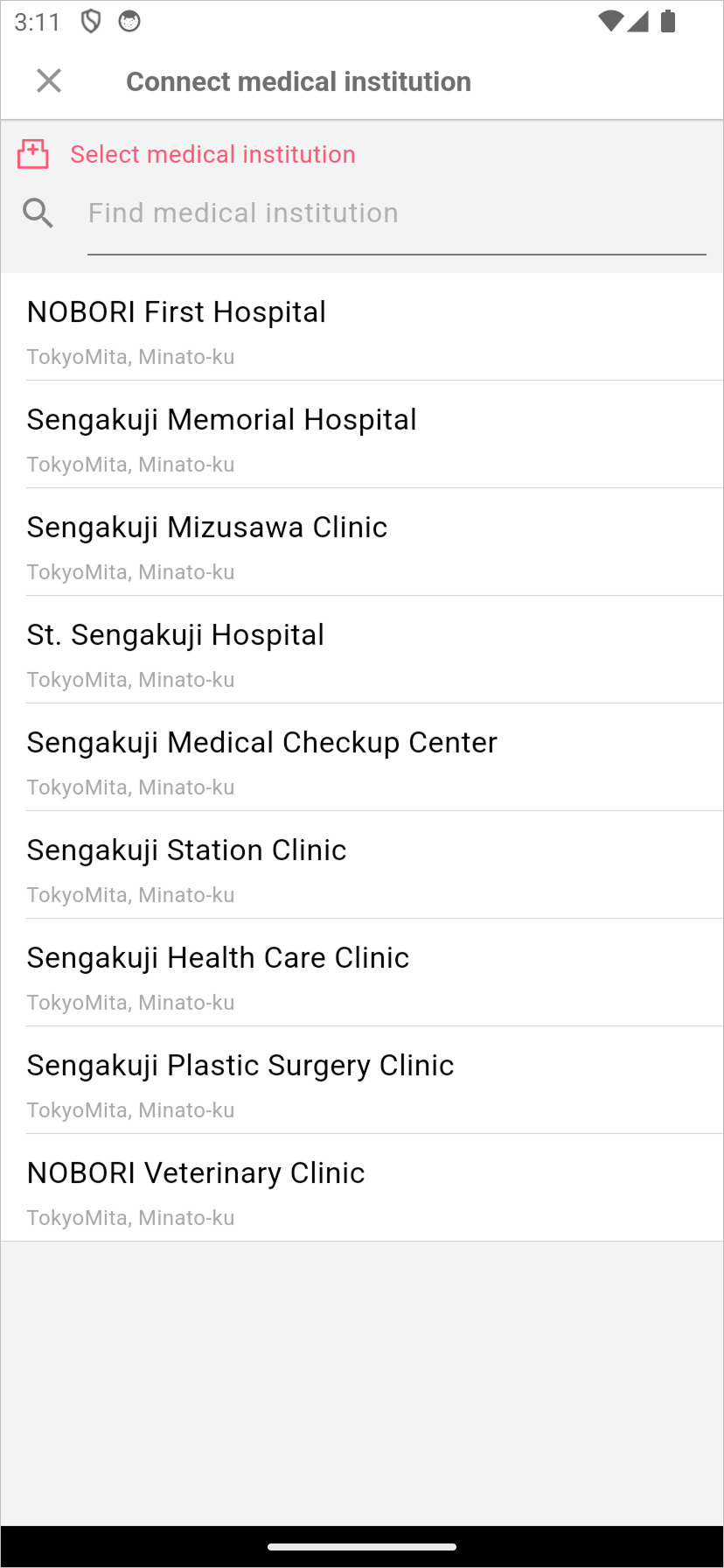
1-3. Select the NOBORI partner medical institution you wish to link.
1-4. Select yourself.
*Note: Only the account holder (self) can be registered.
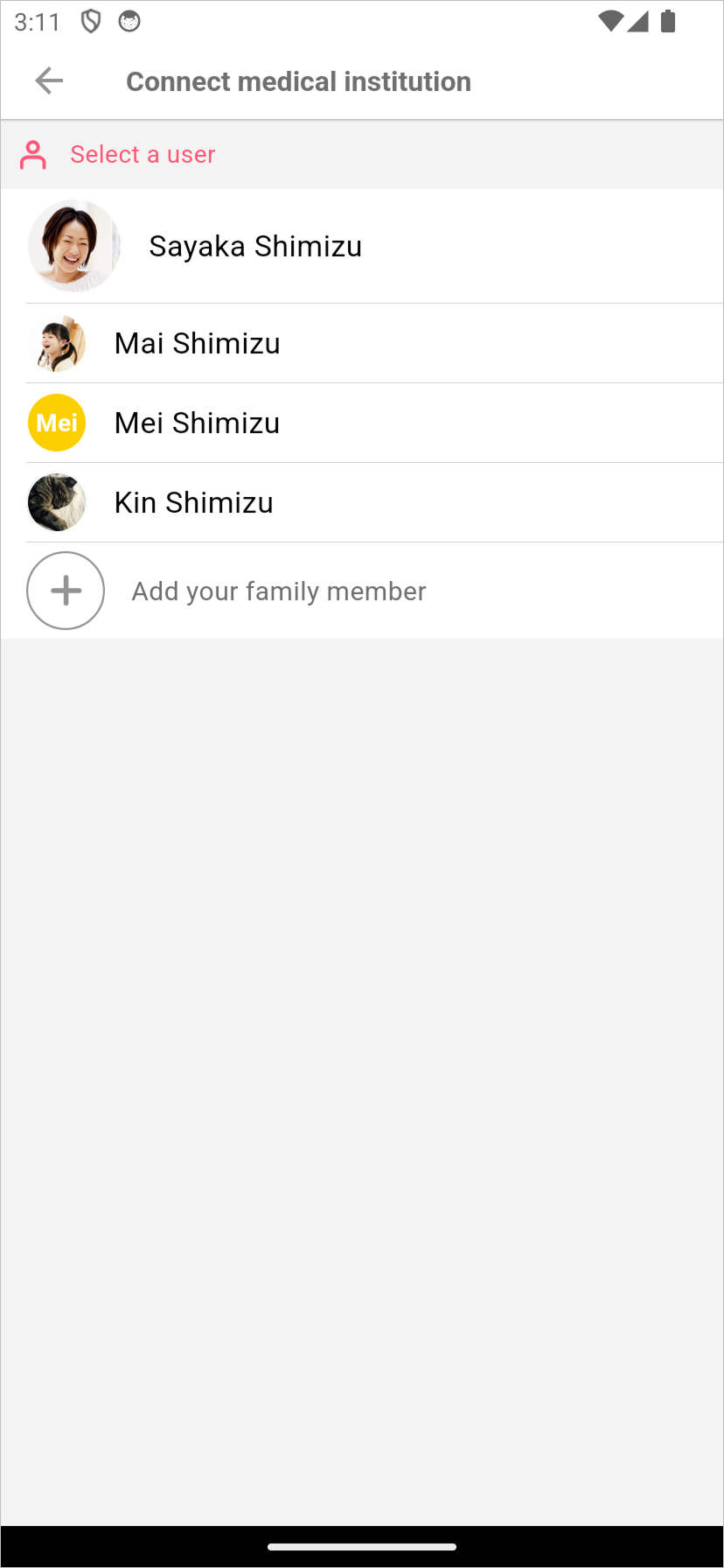
*Note: If only the account holder is available, this user selection screen will be skipped.
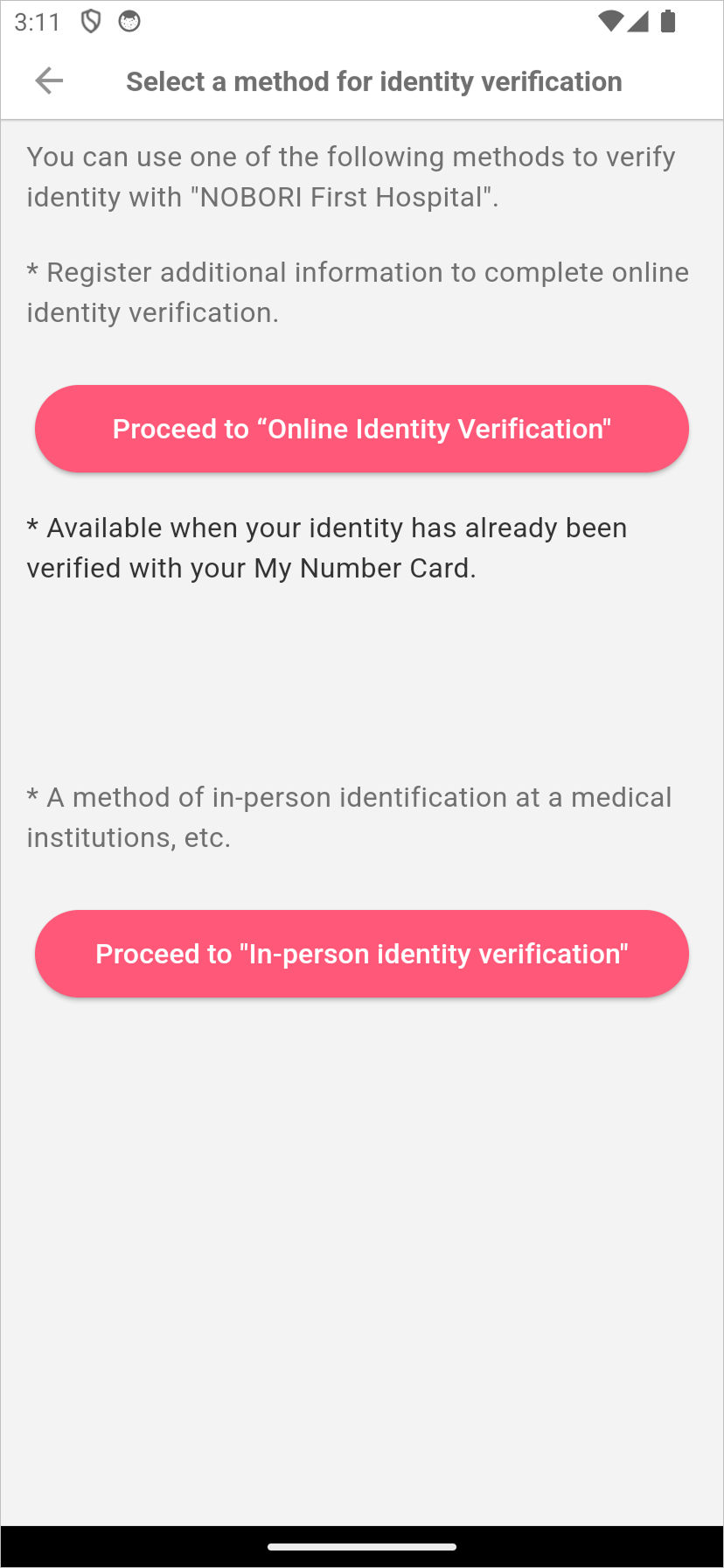
1-5. Tap [Proceed to Online Identity Verification].
2. Identity Verification via the Myna App (When Verifying Identity for the First Time)
2-1. Review the content, then tap [Verify identity with My Number Card].
*Note: You can view all the content by scrolling the screen.
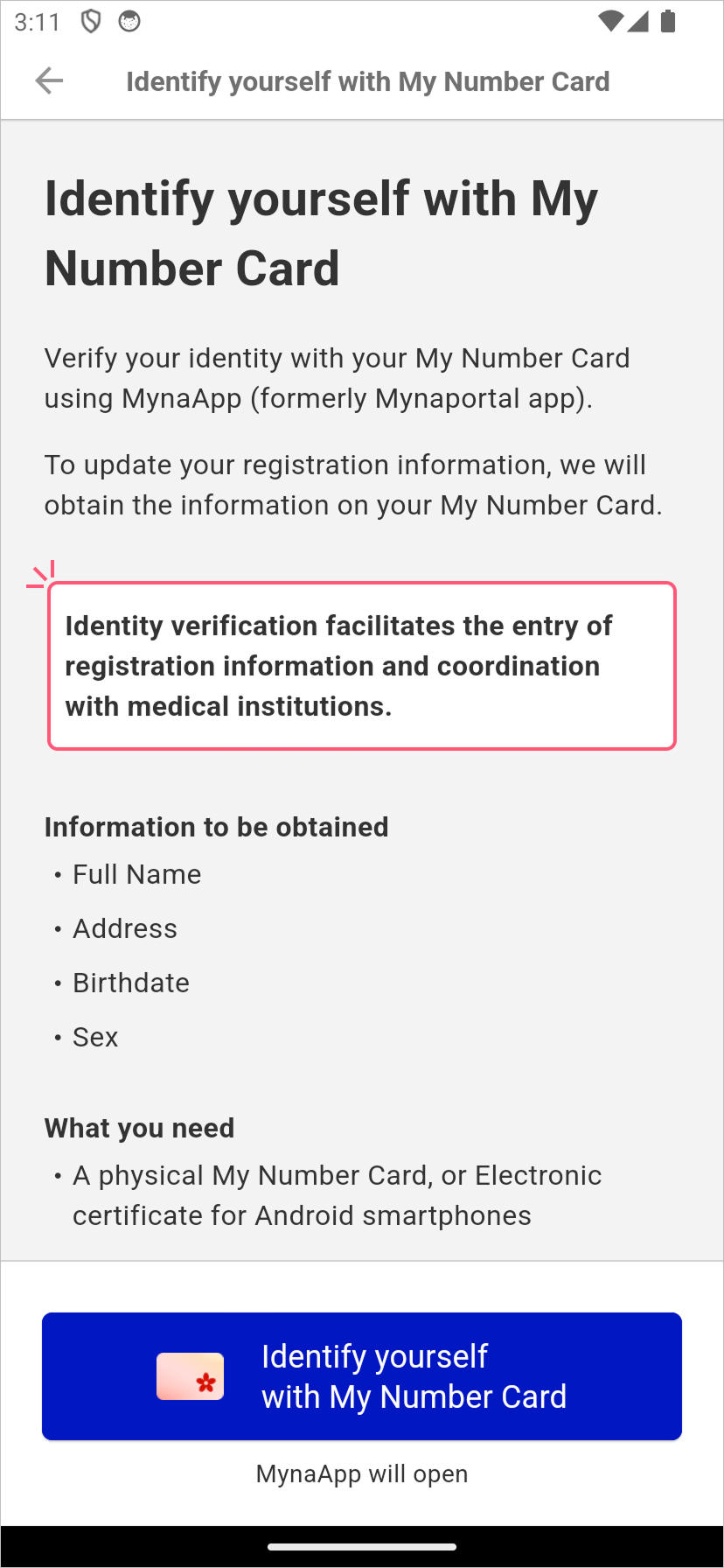
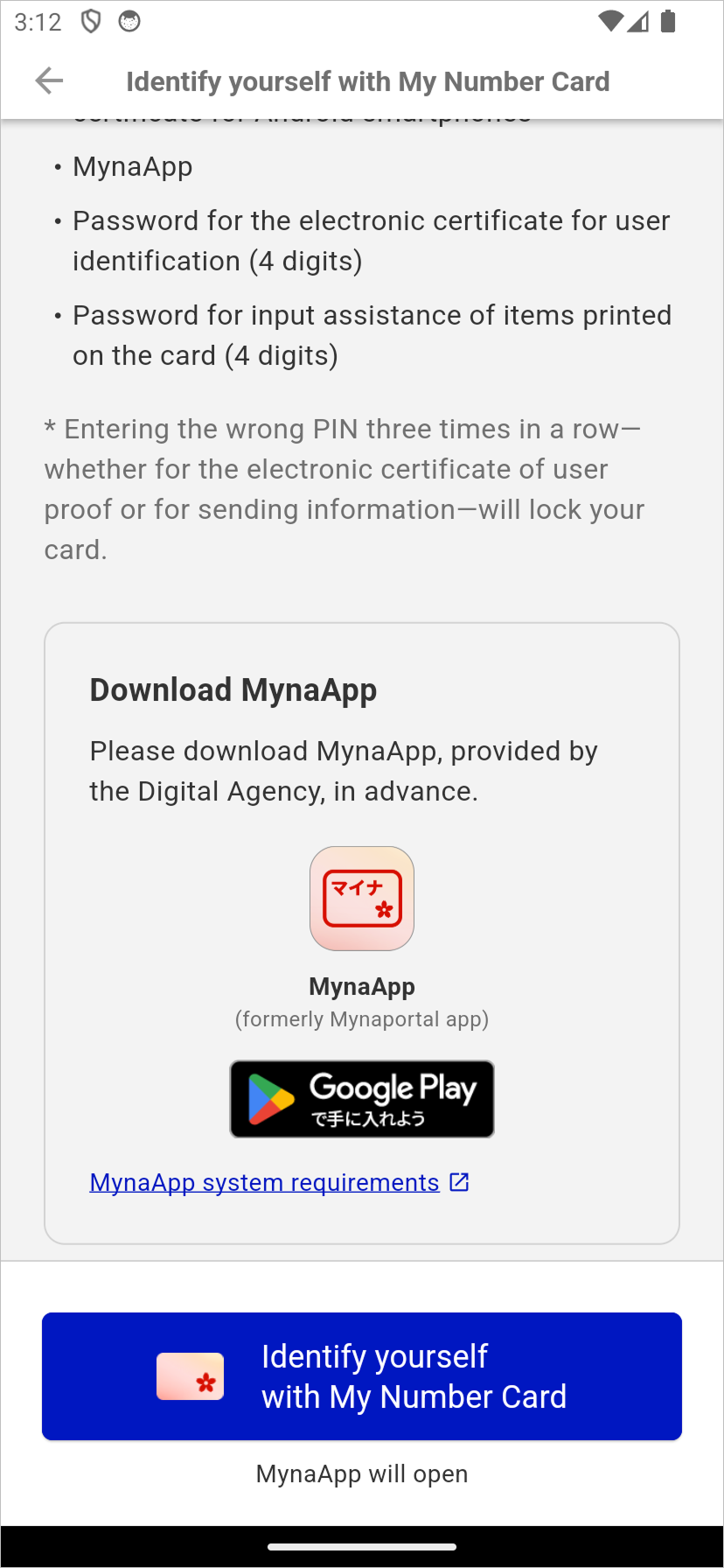
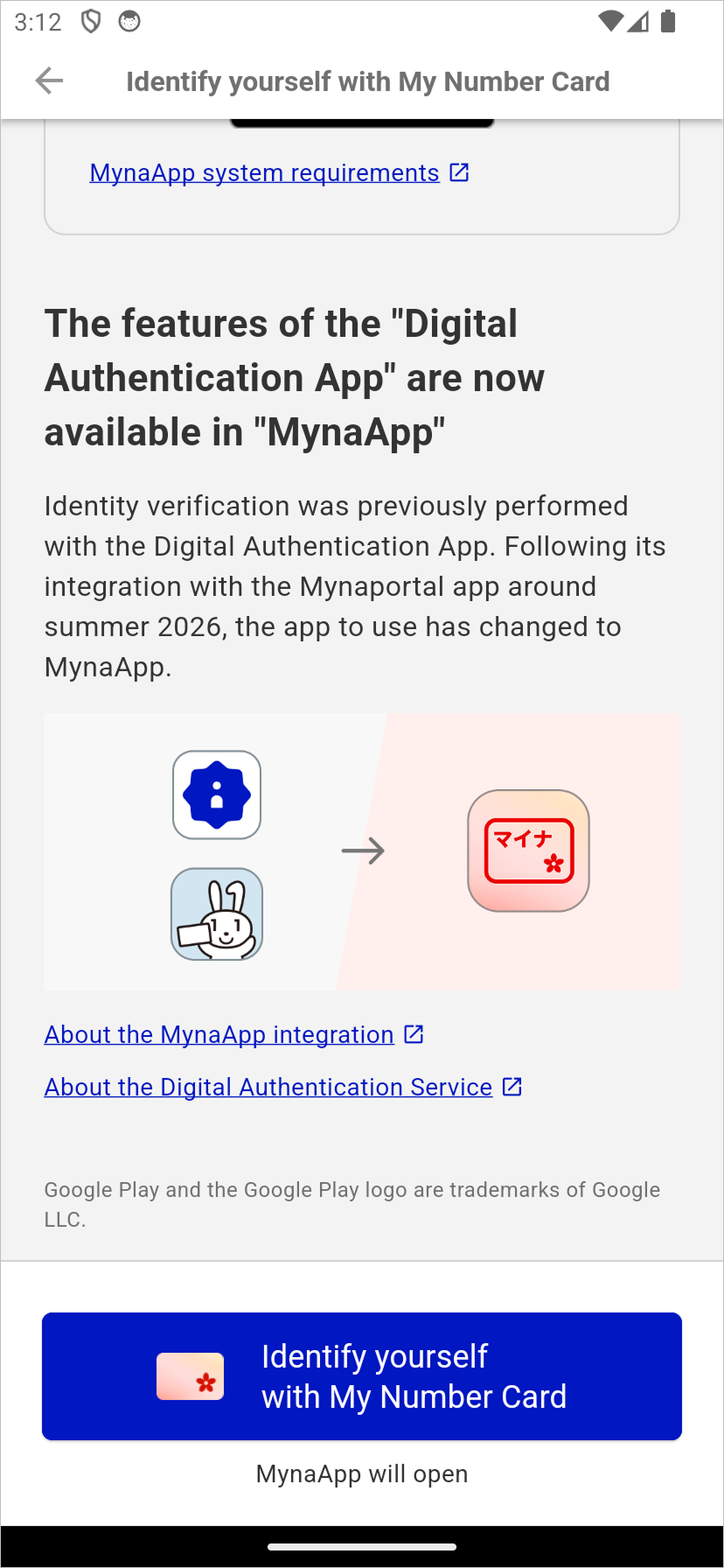
2-2. You will be redirected to the Myna App.
*Note: For details on the authentication method used in the Myna App, please see here (external site).
*Note: To use the Myna App, a lock setting on your smartphone (PIN, facial recognition, fingerprint authentication, etc.) is required. For details, please see [Setting Up Device Lock] here (external site).
2-3. After reading of the My Number Card is complete, you will be redirected to the NOBORI app.
2-4. Tap [OK].
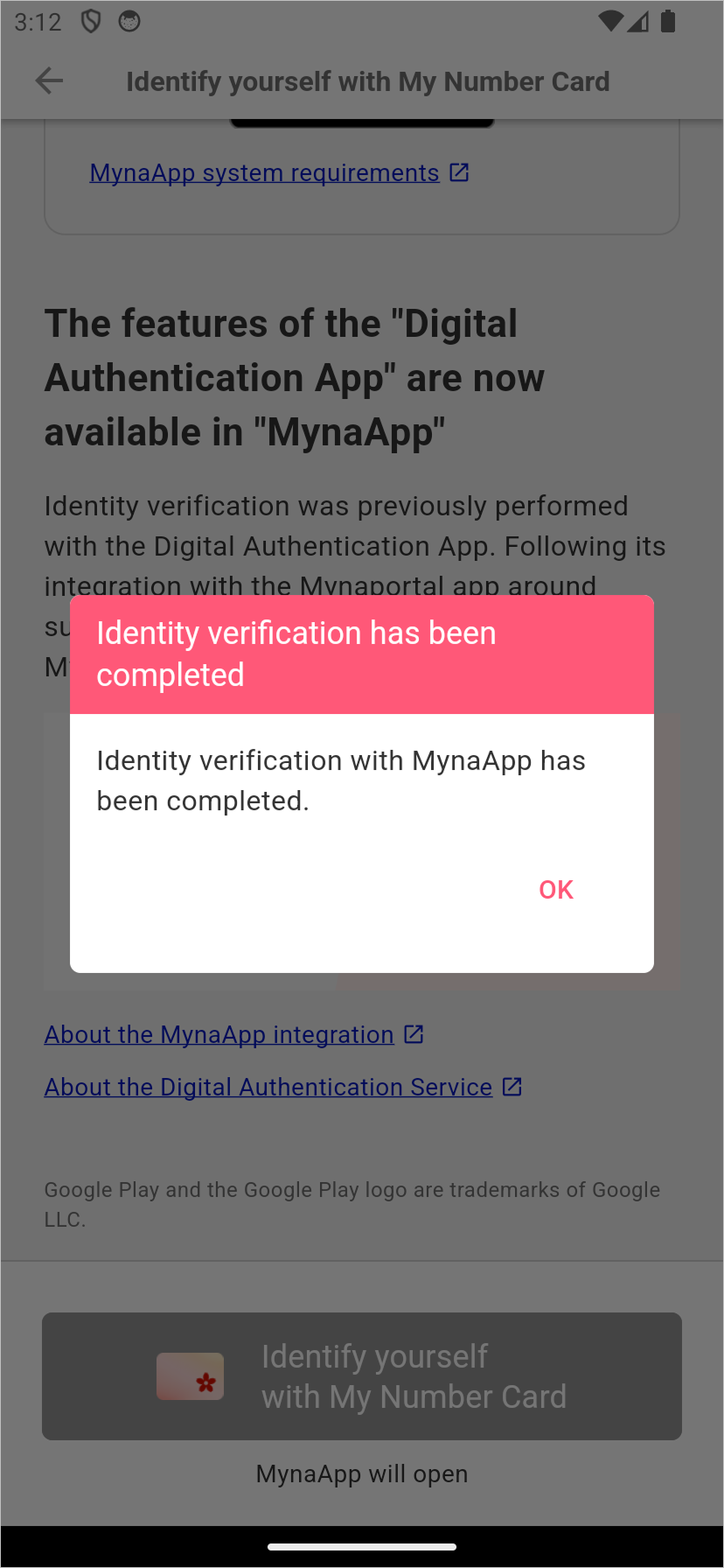
This completes the identity verification process using the Myna App.
3. Online Application
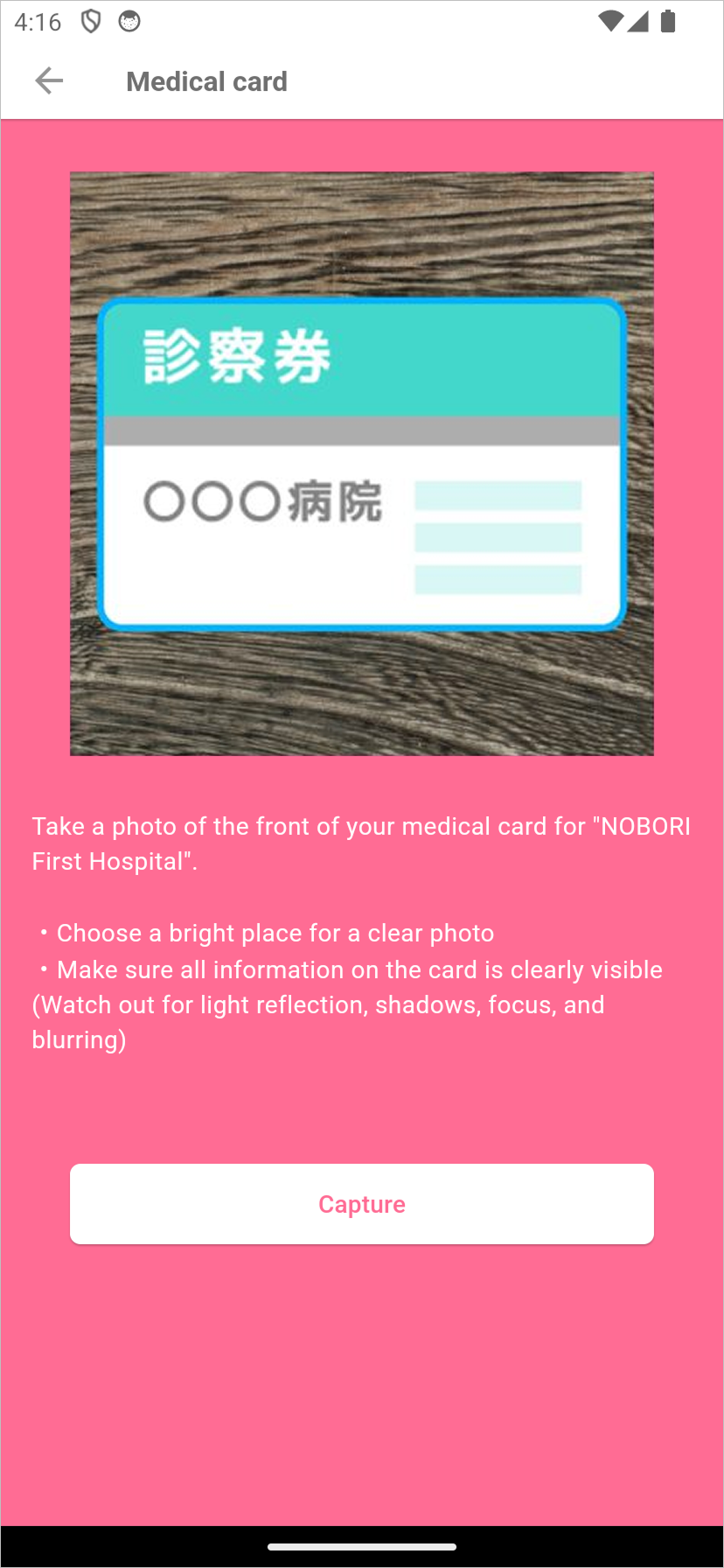
3-1. Tap [Proceed to Photograph Patient Registration Card].
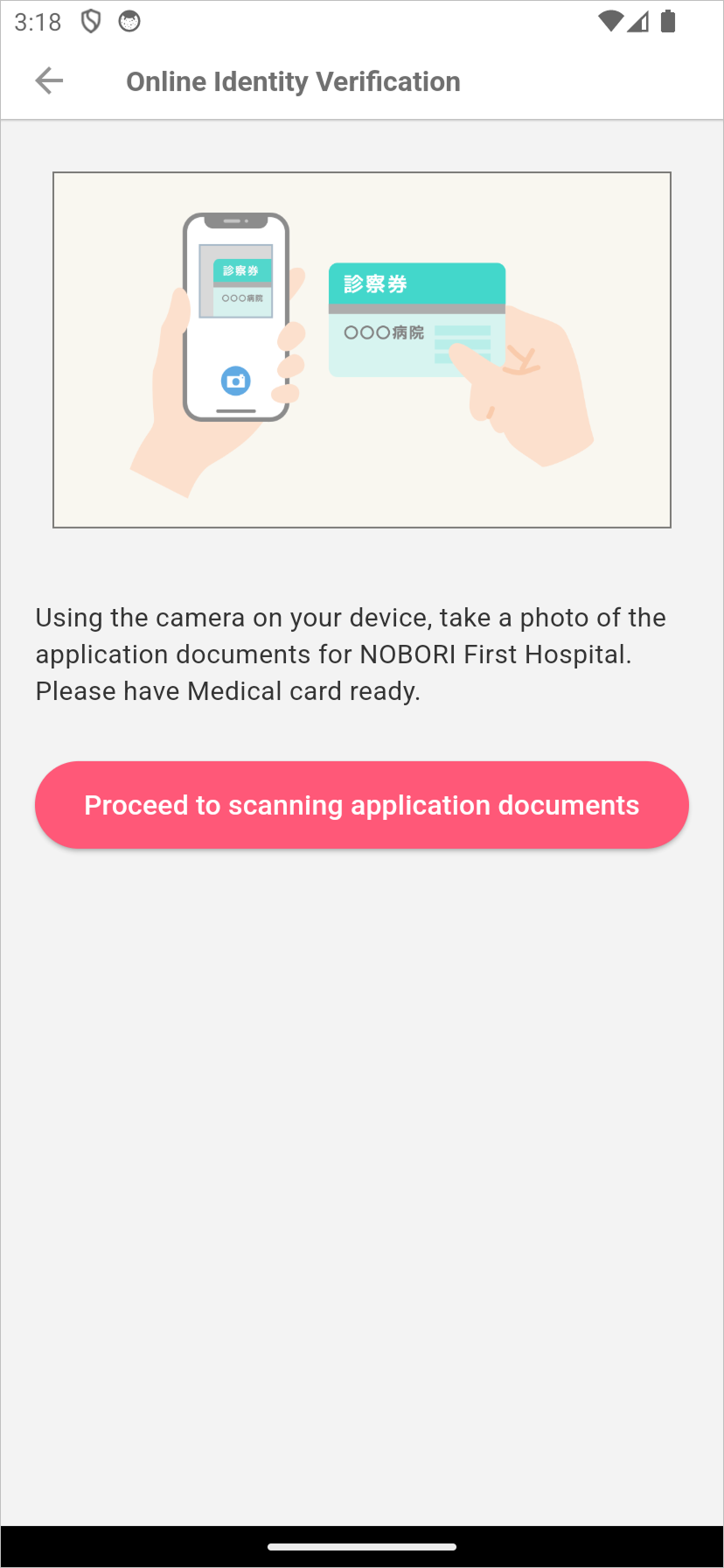
3-2. Align the patient registration card within the guide frame and photograph it with the camera.
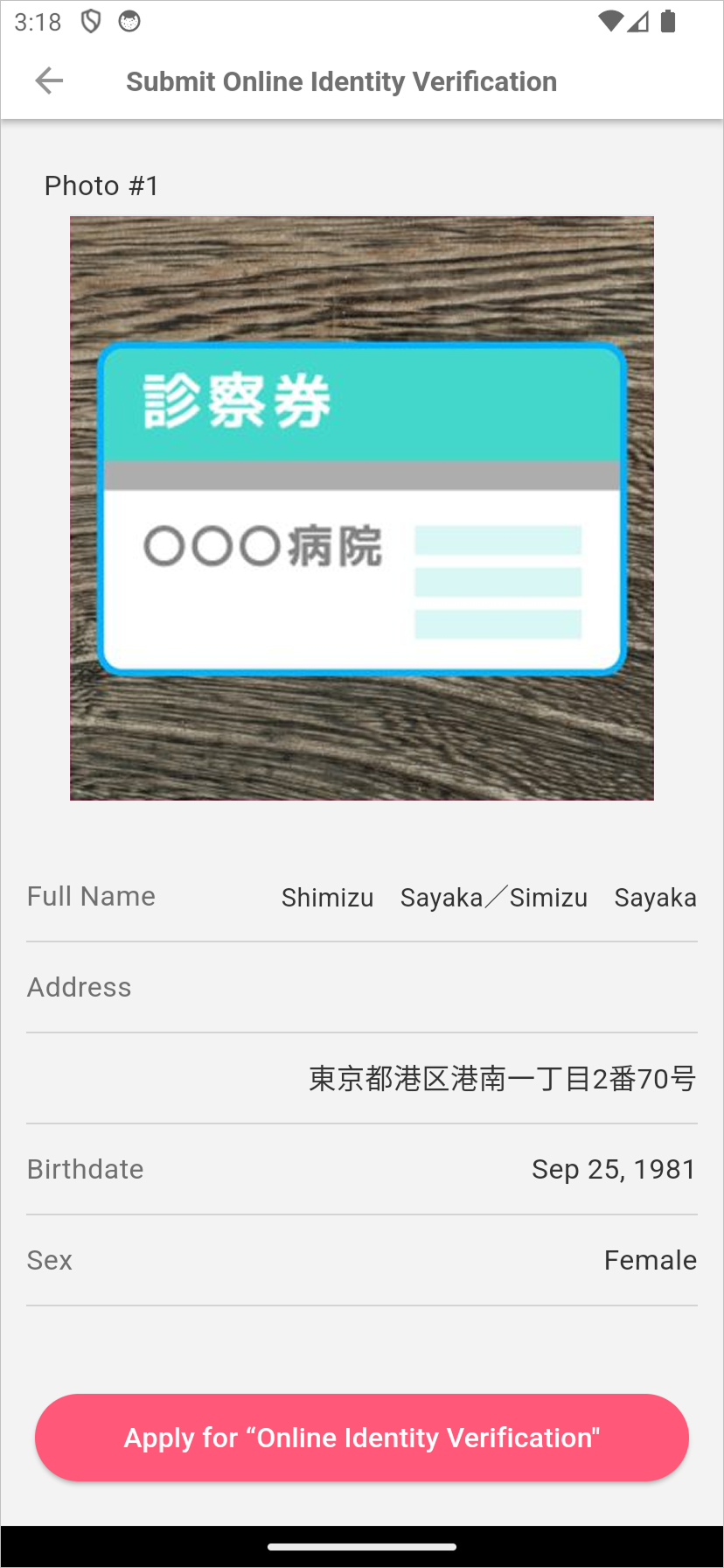
3-3. Review the application details, then tap [Apply for Online Identity Verification].
3-4. The application is complete.
*Note: The message [Your online identity verification application has been completed] will be displayed.
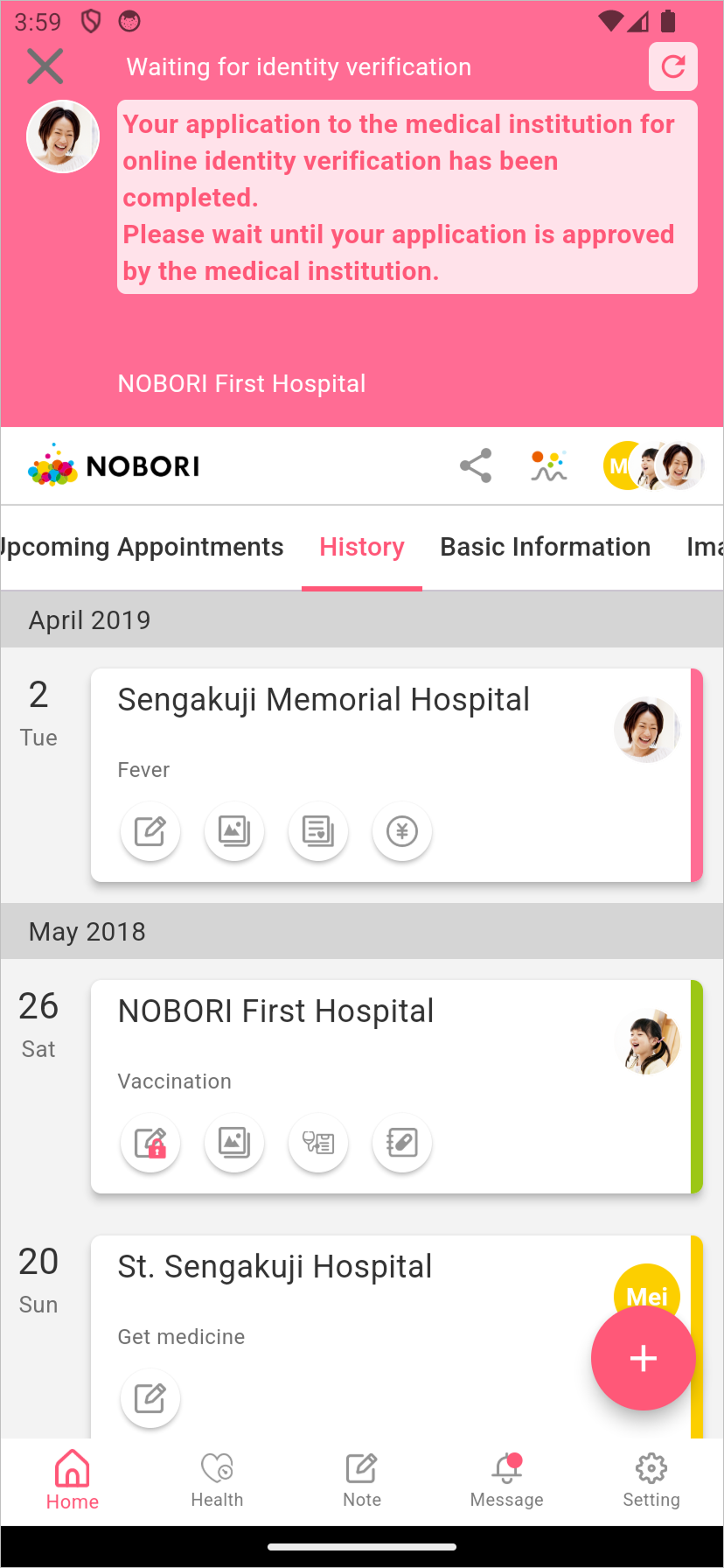
This completes the steps performed within the app.
Once the medical institution approves the online application, you will be able to view your medical information.
Medical information will be reflected shortly after identity verification is completed.
4. If the Online Application Is Rejected by the Medical Institution
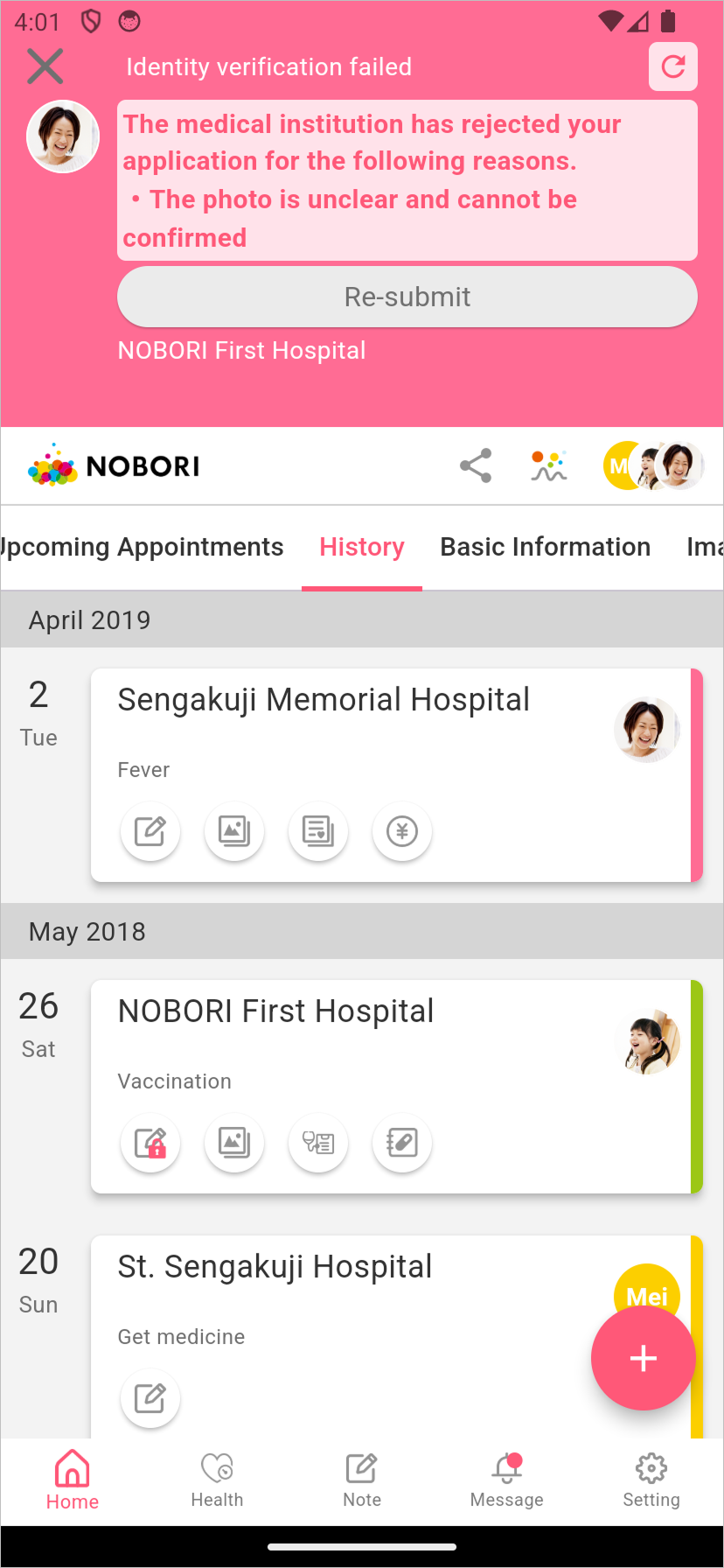
4-1. The message "Identity verification failed" will be displayed.
4-2. Tap [Re-register] to submit the online application again.